
Free beginner-friendly Python IDE Thonny is a free-to-use integrated development environment for the Python programming language. This development tool, created to be beginner-friendly all throughout, contains a lot of features that make it easy to start and develop a Python project. It features an intuitive debugger, an option for viewing variables, a streamlined expression evaluation, and more.
Minimalist in its layout yet generous in its support and assistance, Thonny is a great tool for students and learners new to the Python language. Other IDEs for this language include PyCharm Community Edition , PyScript , and Anaconda , helping Python developers at varying stages in their development. Feature-rich and easy to use Since it was developed mainly for beginners, Thonny offers a lot of features without feeling too overwhelming for new users.
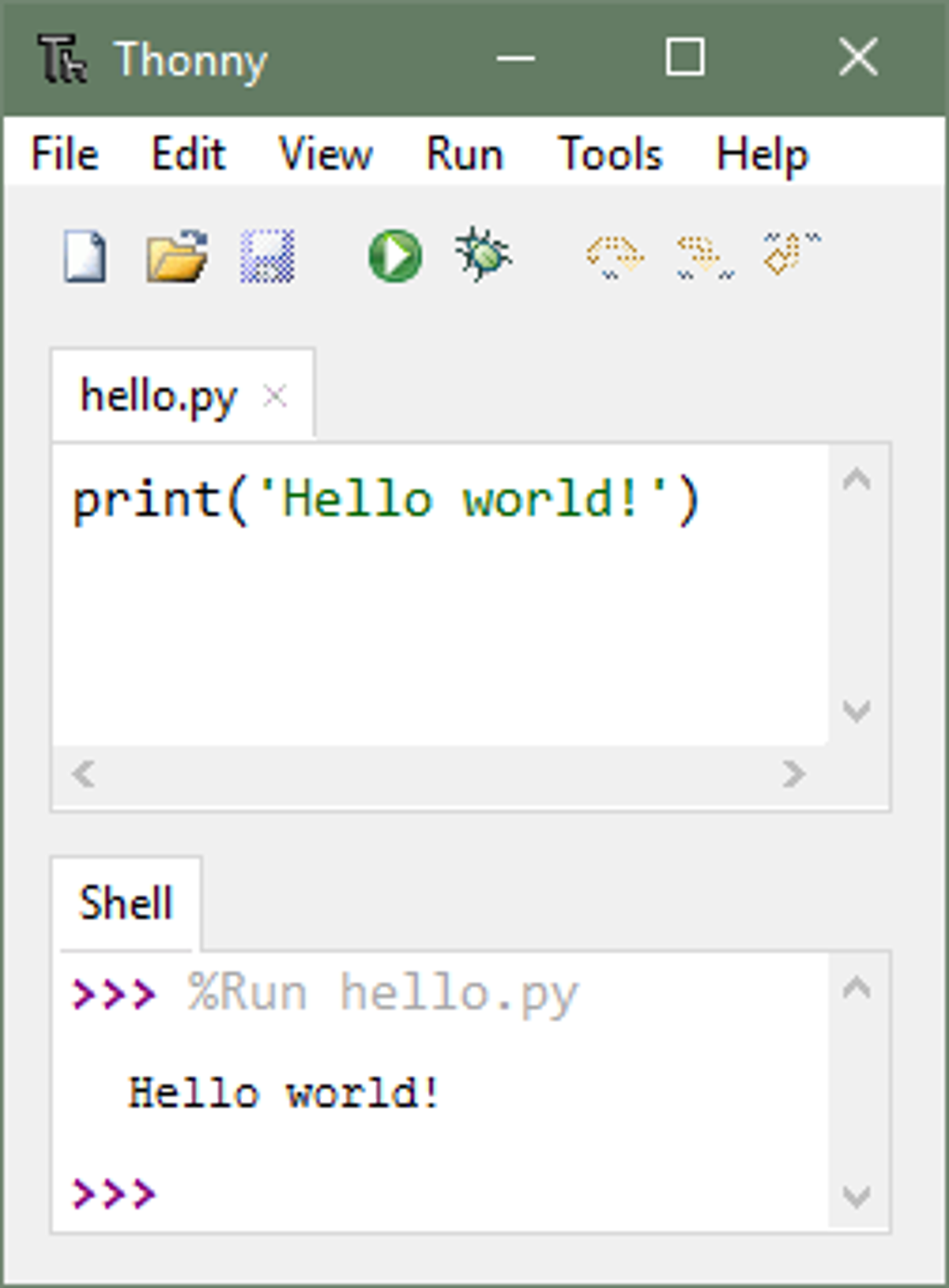
It comes with a built-in Python 3.7 , making it easy to get started. Of course, it also supports separate Python installations so you can always use the latest version whenever available. Regardless, the IDE starts out with a stripped-down interface to avoid distracting new users.
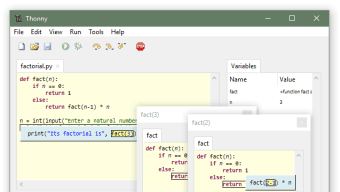
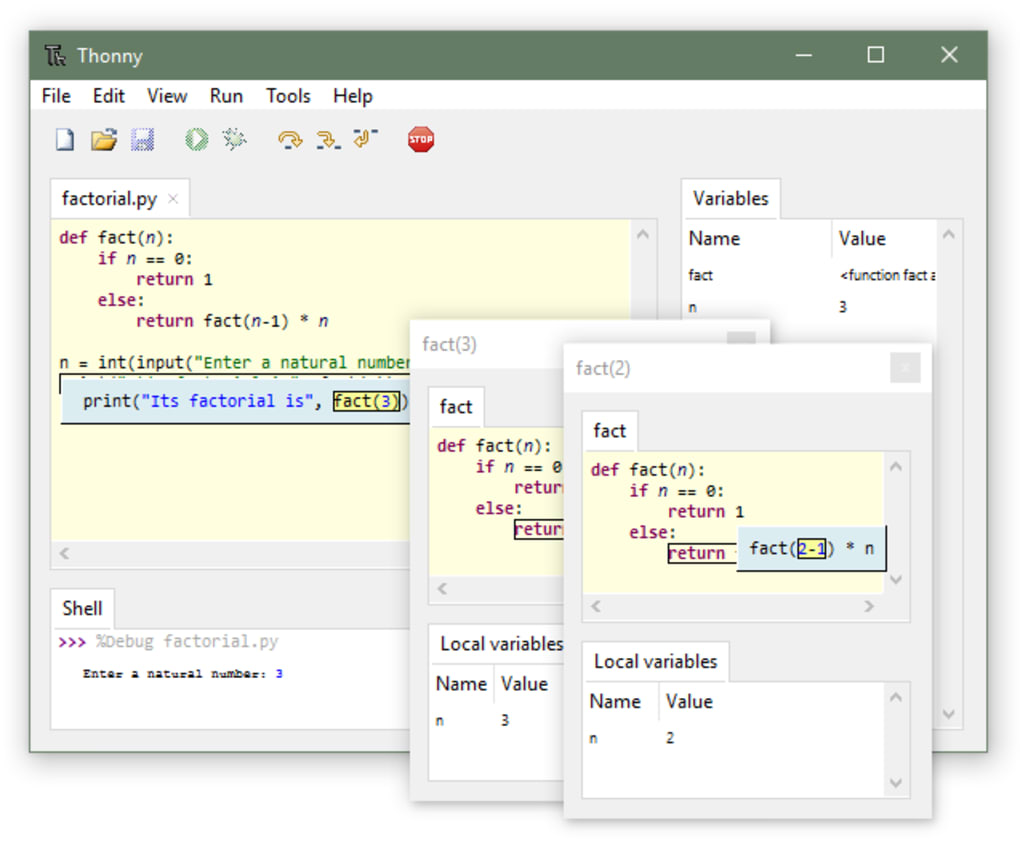
It also comes with a basic debugger , accessible by just pressing Ctrl+F5. With this, you can test and run your program step-by-step without the need to add breakpoints into your source code. F6 lets you take a big step while F7 is used for smaller steps.
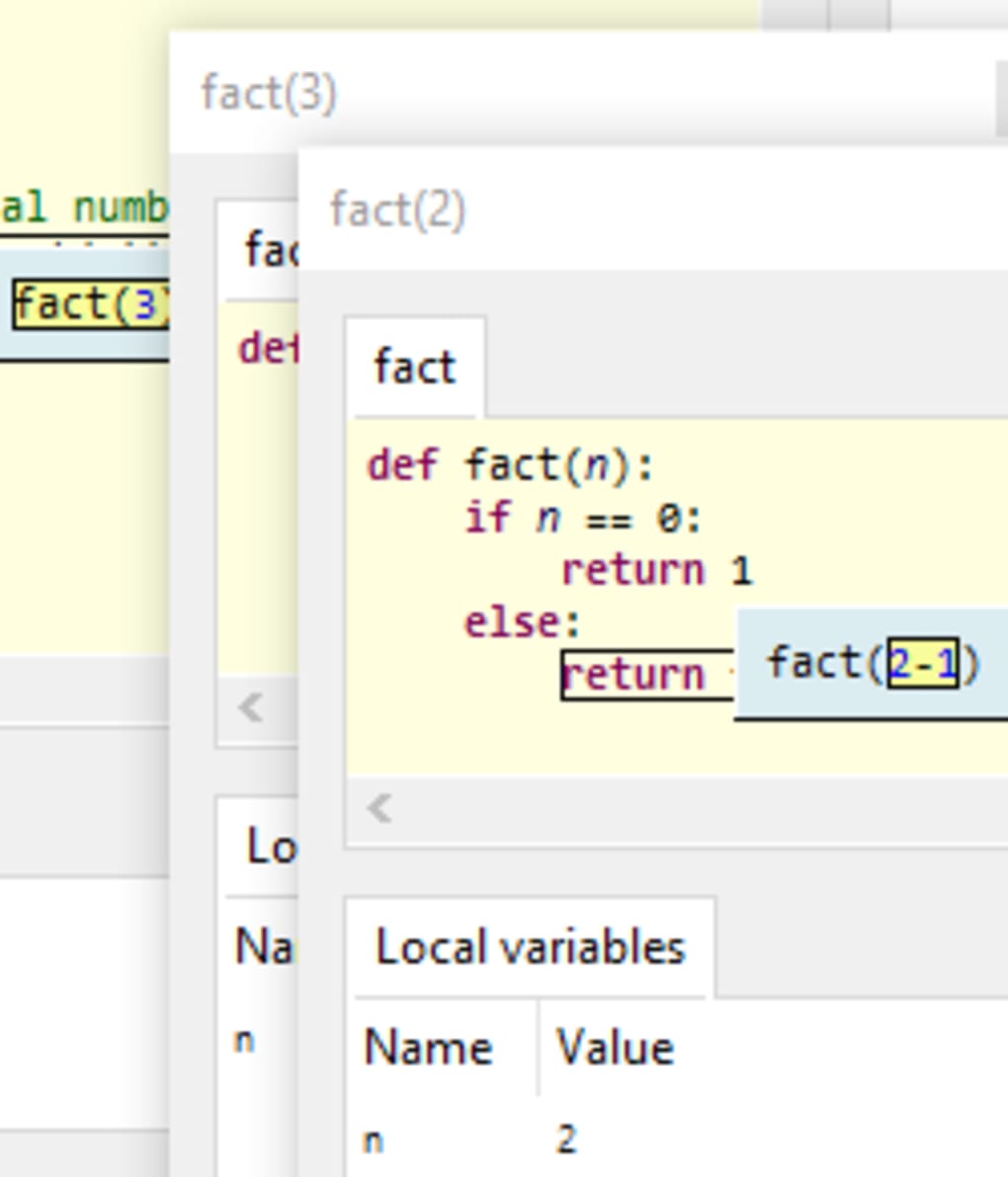
The IDE even allows you to evaluate your expressions that come with visual representation to make it easier to follow for new programmers. Of course, experienced Python programmers would immediately find this IDE too basic and too restrictive . Its interpreter is not designed to handle more complex applications .
From its interface to its capabilities, it was designed to help people get used to more complex alternatives out there. As such, expect it to lack more advanced features that make it ill-advised for full Python projects. A good app to start Python programming For people looking to learn Python, there are a few apps that can match Thonny.
It was specifically designed to help you get into this particular programming language, stripping down the app to make it minimal and contain only the features and buttons you need. It even walks you through reviewing and debugging your code. However, as you progress, get ready to try other apps.







